Back to Help
Activity Tracking

What is Activity Tracking?

Zero-config request logging built into SmallStack.

  • Automatic capture via middleware — no code changes needed
  • Staff-only dashboard with live stats
  • Configurable retention and pruning
  • No external dependencies

How It Works

A single middleware intercepts every request and creates a RequestLog:

Field Field Field
path user timestamp
method ip_address duration_ms
status_code user_agent

Static files, health checks, and admin media are excluded by default.

The Staff Dashboard

Available at /activity/ for staff users.
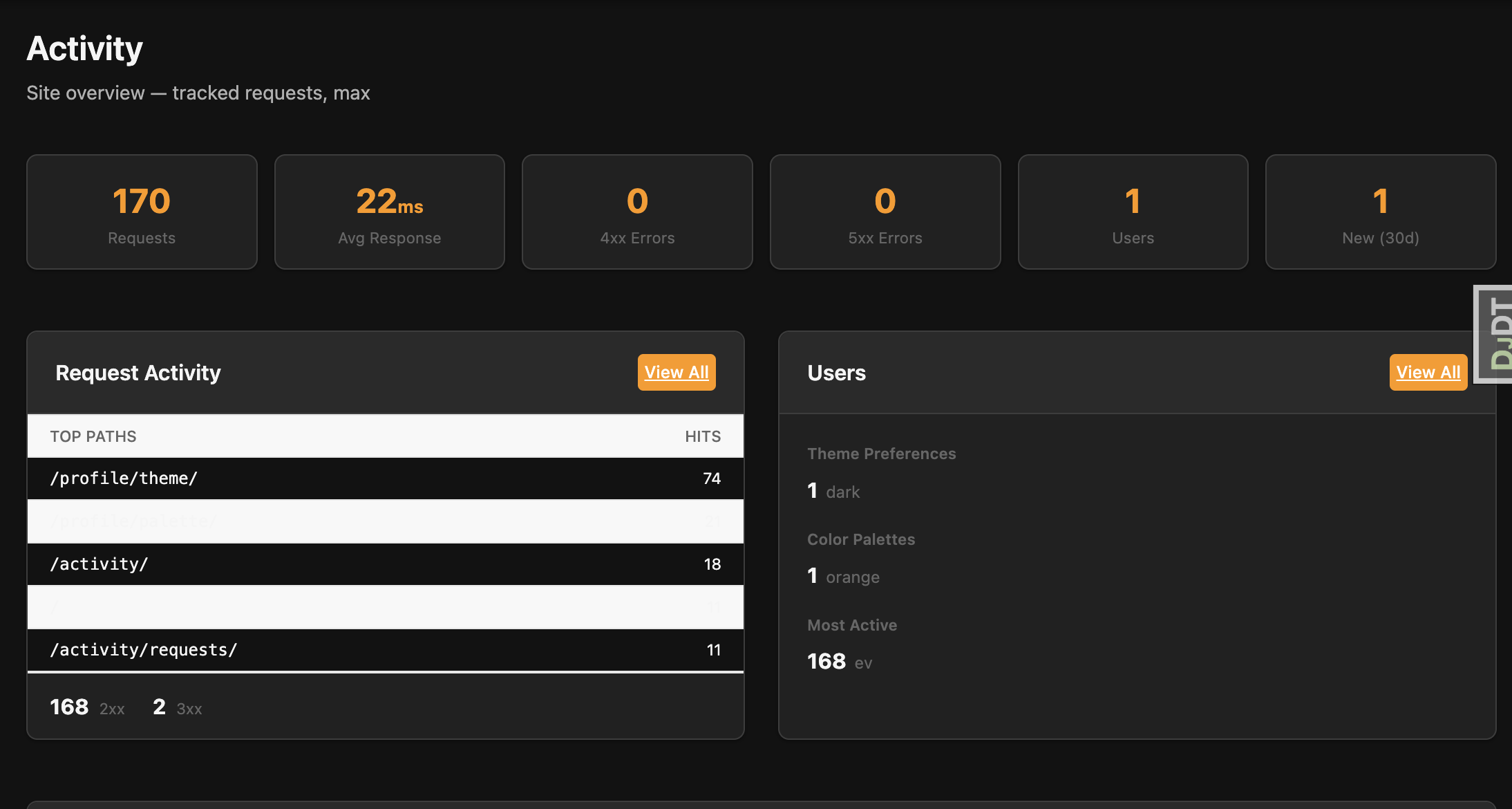
Activity Dashboard

Stat cards: Requests today, unique visitors, active users, avg response time

Request log table: Filterable list with path, method, status, user, and color-coded response times

Access requires is_staff=True — no extra permissions needed.

Configuration & Pruning

Key settings in settings.py:

  • ACTIVITY_TRACKING_ENABLED — on/off toggle
  • ACTIVITY_EXCLUDE_PATHS — prefixes to skip (/static/, /media/, etc.)
  • ACTIVITY_RETENTION_DAYS — auto-prune after N days (default 30)

Pruning runs daily via django-tasks background worker. ~60 MB storage for 10k requests/day over 30 days.

htmx Live Refresh

Dashboard stats update every 10 seconds via hx-trigger="every 10s" — no page reload.

Dual-response pattern: Views return a full page normally, or just the HTML fragment for htmx requests.

No WebSockets needed — simple polling works behind any reverse proxy.

Theme Settings

Choose the color mode for your app.

The accent color for your app.

Choose the font family that fits your app.

Choose the gray shade for your app.

Choose the border radius factor for your app.

Choose the page layout for your app.